
Having the knowledge of various social media tools will allow you to open up your creative juices, and explore a digital world full of opportunities designed to help elevate both your personal & professional content. Check out these 8 social media tools that every content creator needs to know about in the industry!
1. Canva

A social media tool list would never be complete without Canva. Canva allows users to use high quality graphics using various layouts, templates & unique designs. You can either create your own elements or chose some of the graphics already constructed for each social network (Instagram post, Instagram story, Facebook post, Twitter post etc.). Additionally, this fun tool allows you to craft professional and clean menus, brochures, flyers, posters, & so much more.
PS: Did I mention that this amazing content creating tool is FREE?! However, if you want to invest a little more money into your business, you can explore some of the high end features through Canva’s upgraded package options.
2. PowToon
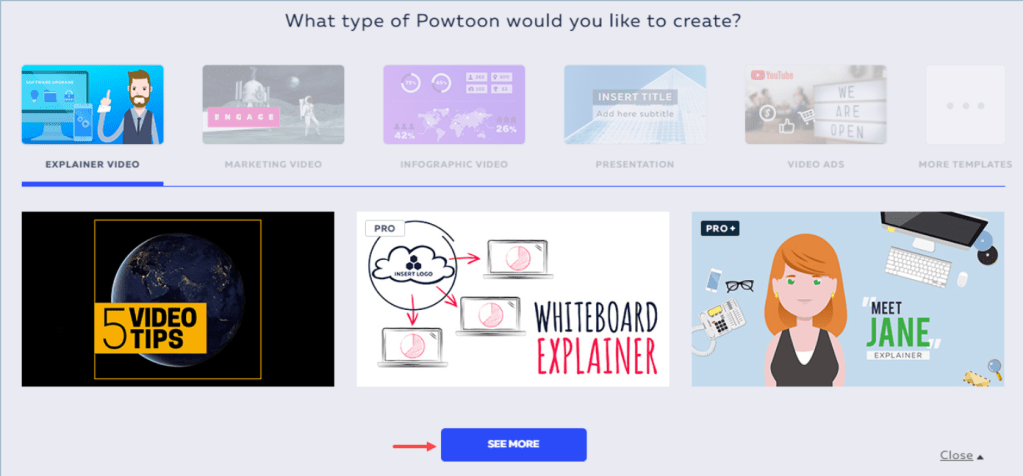
Yes, a picture is worth a thousand words – but so is a video! This tool has completely changed the game with fun characters, animations, templates, & themes to fit your business objectives. And want to know the best part? You don’t have to be a video master to create captivating videos. Companies tend to spend thousands of their budget dollars on video content, and really miss the mark. However, with PowToon you can simply add in your personal elements and share it across all your social channels.
PS: This fascinating tool is totally FREE! But has the option of unlocking a world full of new characters, settings, & layouts.
3. Typeform

Pineapple on your pizza? Which city in the world has the most waterfalls? What is your favourite fashion trend in 2020? Asking questions is a great approach to growing social media engagement and building a community for your personal and professional audience. Typeform is a user-friendly quiz builder that allows you to ask your social media users questions in many different formats, including image-based, multiple choice, short answer, yes or no, and so much more. Once your template & questions are ready to go, you can share your inviting content through any social platform.
PS: 100 responses each month are FREE! However, if you want to add more – packages are available for additional features on their website.
4. Grammarly

Grammarly is an all in one spell check & grammar tool that helps your writing and grammar skills as a content creator. Grammarly scans your text for common and complex grammatical mistakes, including everything from subject-verb agreement to article use to modifier placement. It helps provide clean & eloquent captions and messages for you to share amongst any social media platform. It’s okay to double check your work – thanks to Grammarly!
PS: This helpful tool is FREE with paid options as well.
5. Visme

Create infographics, social media graphics, charts, ebooks & so much more at a beginners or intermediate level. Turn your boring word document information into something innovative & striking. With unique themes and templates, you can elevate even the simplest static into an eye catching design.
PS: This content game changer is FREE with limited options. However, they have monthly & yearly packages to unlock various stock images & storage space when downloading.
6. SlideShare
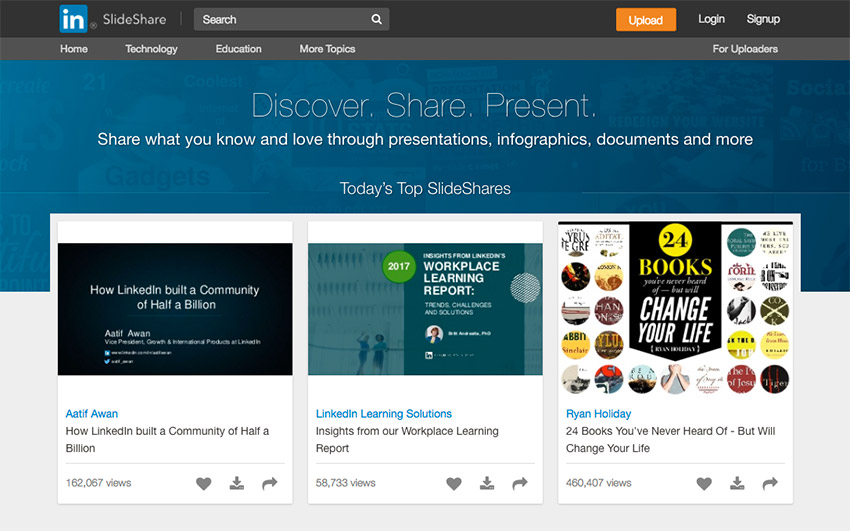
Does your business use Linkedin to post content? Then SlideShare is a must! Your new and awesome presentations & pictures will now be automatically synched to the platform. The tool will as well allow you to distribute the infographics through Facebook, Twitter, and Linkedin with just one click away. By integrating these two channels, you truly get the best of both worlds! Ah the power of social media is amazing right?
7. SlideSnack

This tool allows you to add your voice overlay to your content. Moreover, you can share previous presentations and slideshows using a voice over through platforms like Facebook and Youtube. Be different and use your voice – it will captivate your online audience in more ways than one!
8. Hashtagify

#AwesomeTool for the ultimate user engagement! This app allows you to search for the perfect hashtag for your content. It gives you insight on the popularity of the hashtag, how many times it has been used, similar hashtags, the top influencers for the hashtag, and much more.
PS: Paid users can track usage patterns on certain hashtags and the individuals who are using the tags on social networks. #ElevateYourSocialMedia #Content #Engagement
 The M Word